
Centre d’Art Parallaxe
How it works
Eight steps in three phases to prepare, document and share a visit.
Authentic P-Expo screenshots in French. Parallaxe is a built-in fictional example. Empty forms and ready-to-record audio do not demonstrate successful capture or recognition.
Prepare
Create or identify an exhibition
Enter the venue, title and dates, or find an exhibition you already saved.
Result: the exhibition record is ready.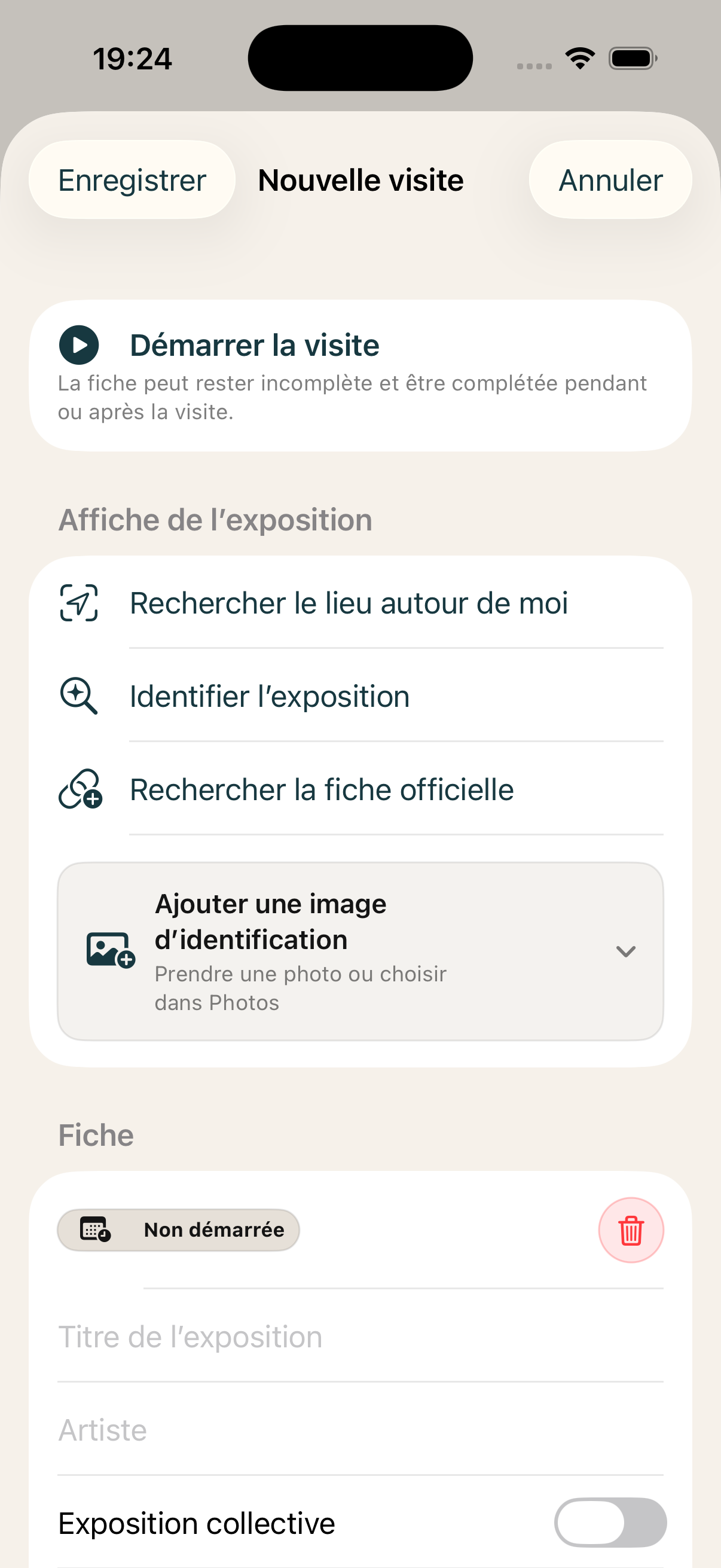
Prepare a visit
Empty preparation form before starting.Prepare
Start a visit
Open a new visit to timestamp the route and preserve its context.
Result: an active visit journal follows your route.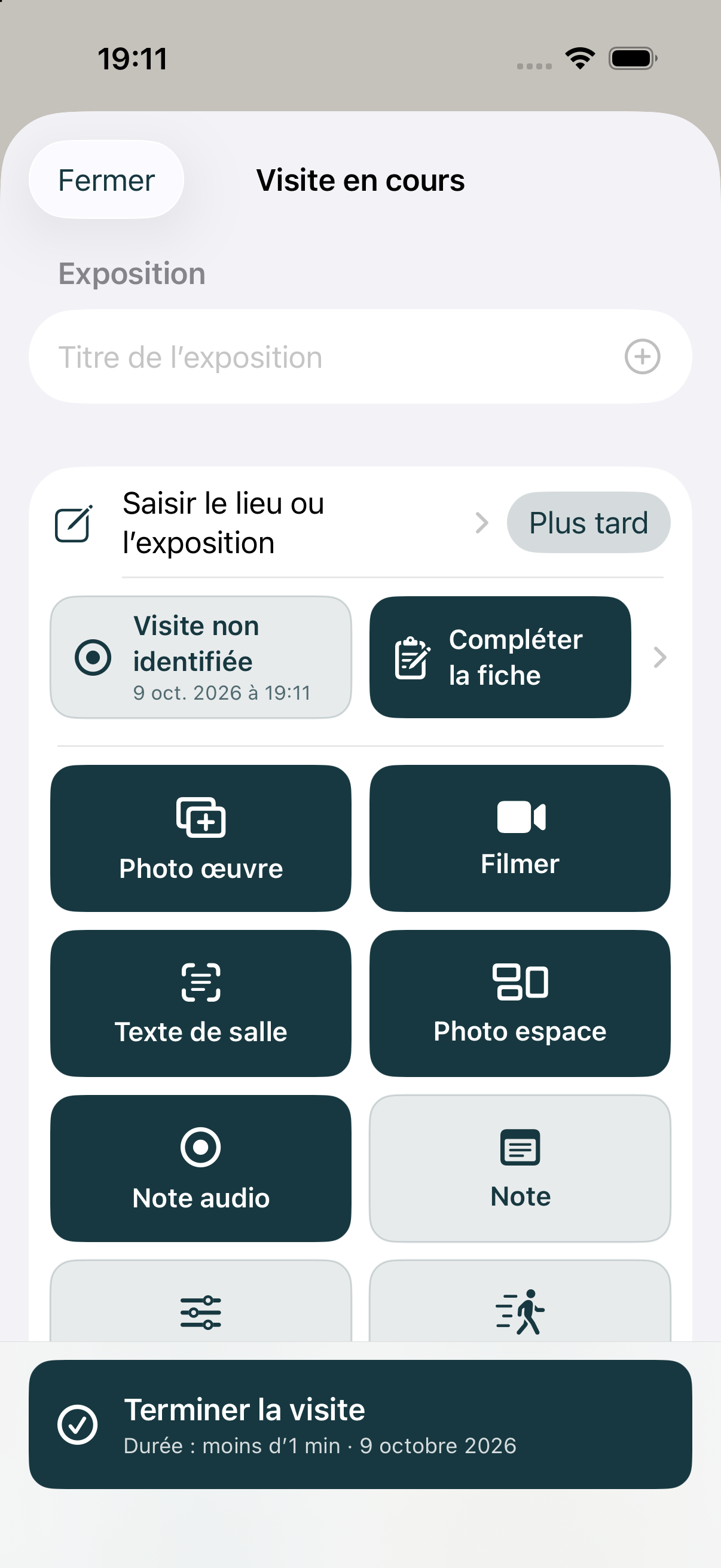
Visit dashboard
Unidentified visit, before adding any artwork.Document
Add an artwork
Photograph the artwork, then add its title, artist and position in the route.
Result: an artwork record is added to the journal.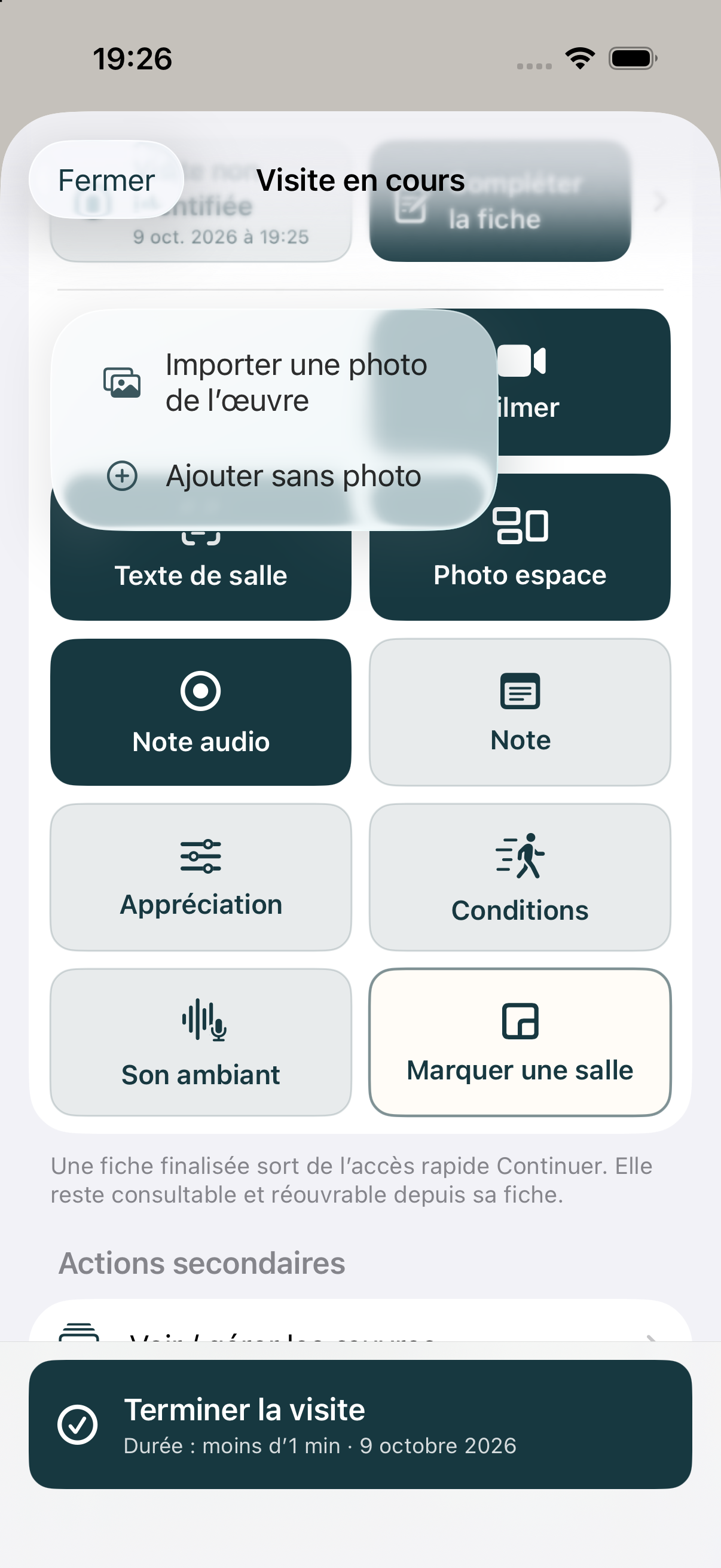
Add artwork options
Long-press menu: import or add without a photo.Document
Add a label
Photograph the label, transcribe useful details and link it to the artwork.
Result: artwork details remain readable and connected.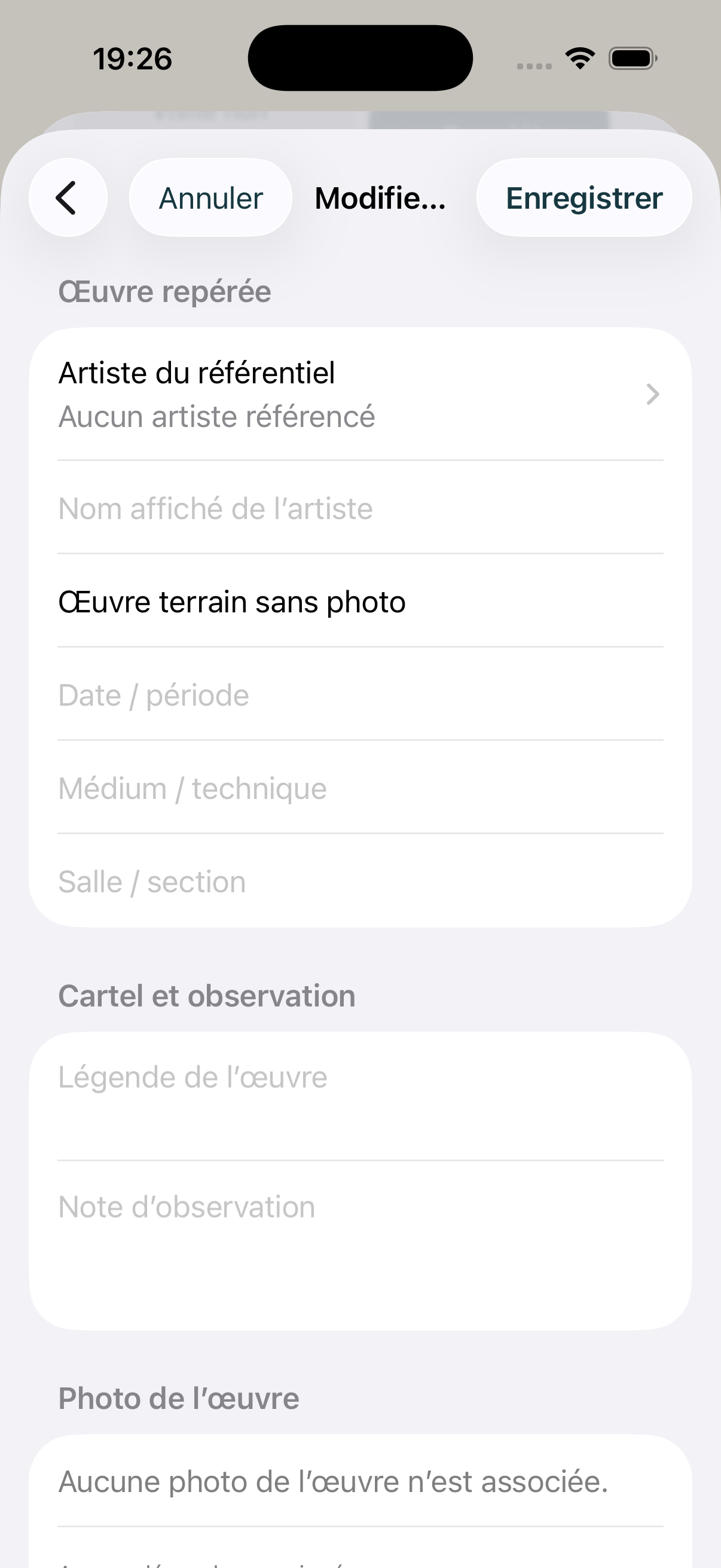
Artwork, label and observation editor
Artwork added without a photo; empty label fields, no photographic association shown.Document
Add a note or audio
Write an impression or record it aloud without interrupting the visit.
Result: your impression is saved with the right context.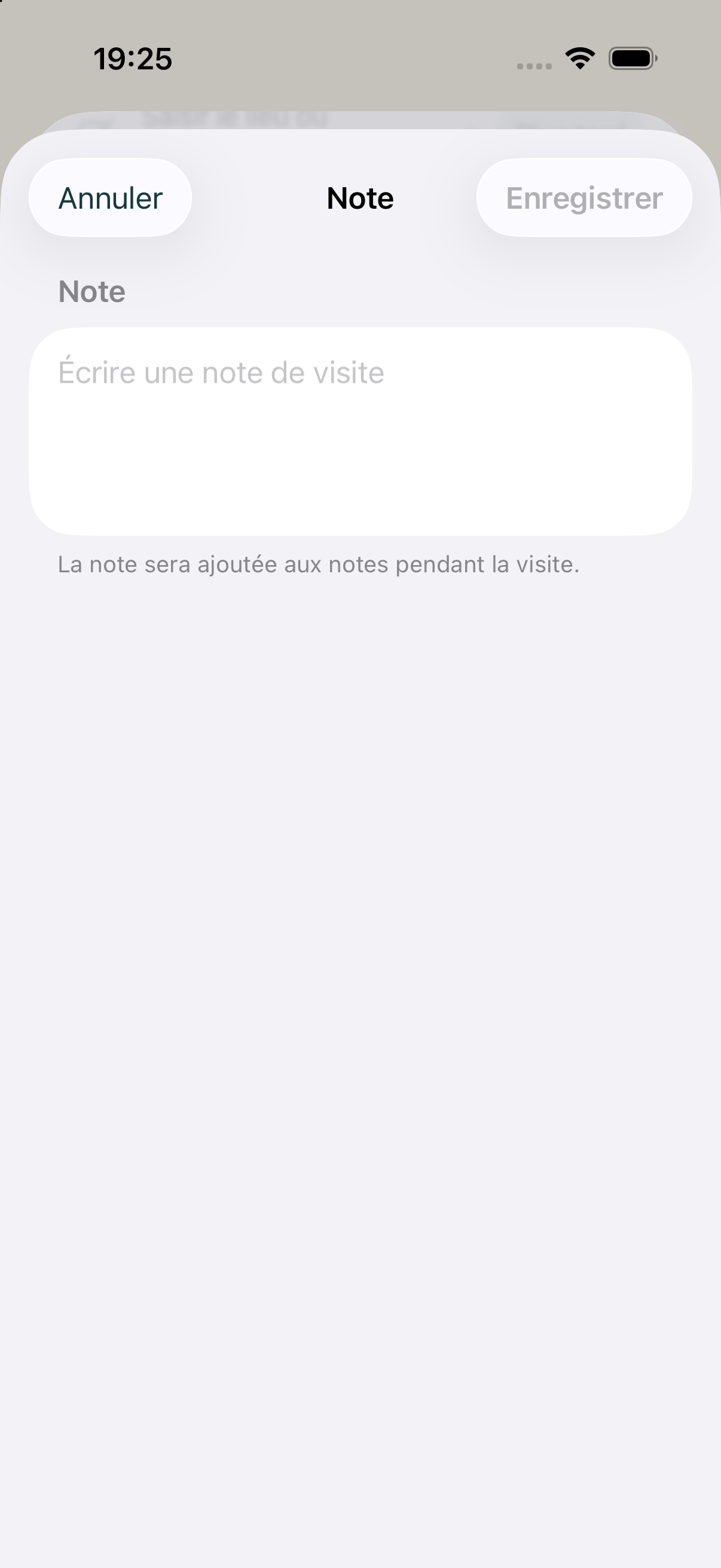
Add a note
Empty note form.Document
Organize content
Reorder artworks, check links and correct details as the visit unfolds.
Result: the journal reflects the route you actually followed.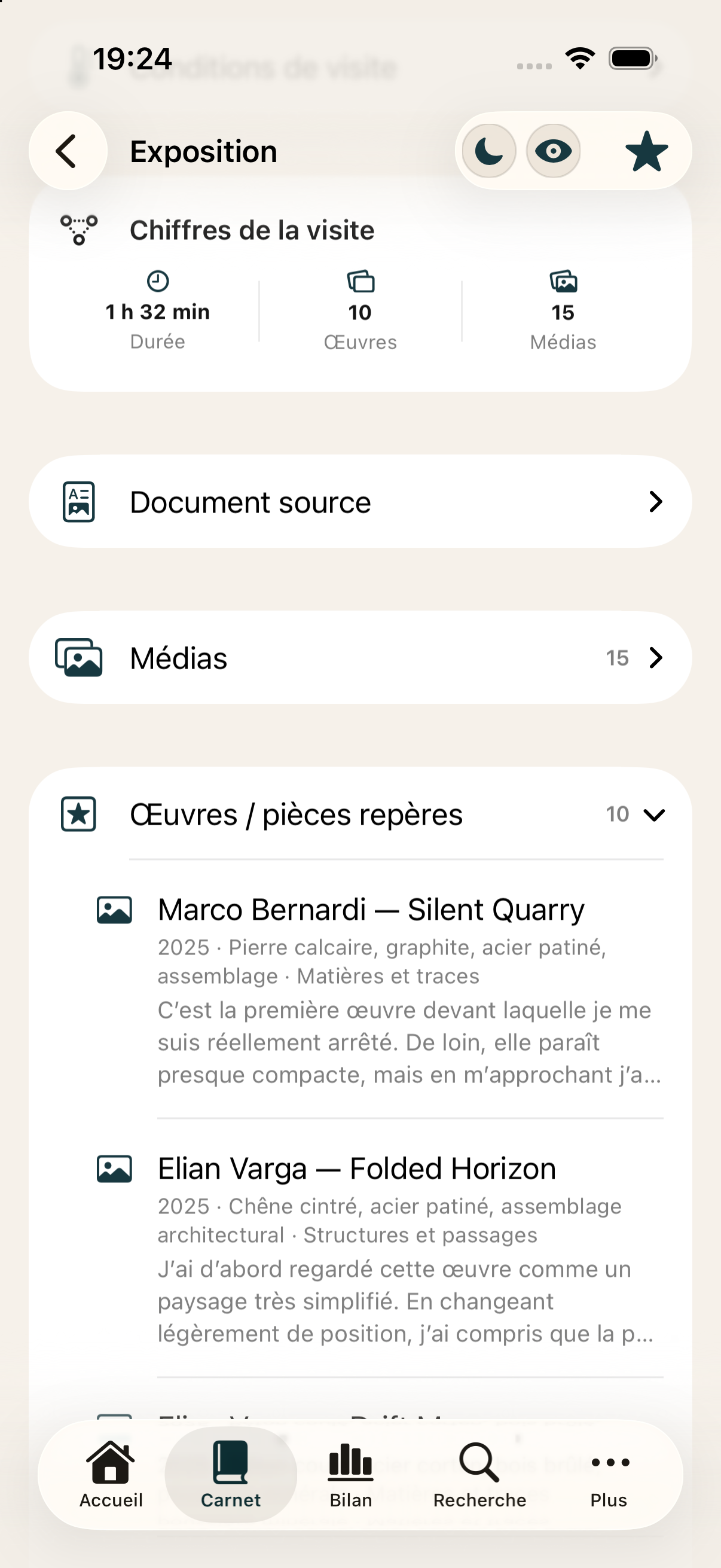
Artwork records and observations
Structured records and example observation notes.Share
Complete the visit
Review the route, complete missing items and confirm the visit summary.
Result: a complete visit is archived in the journal.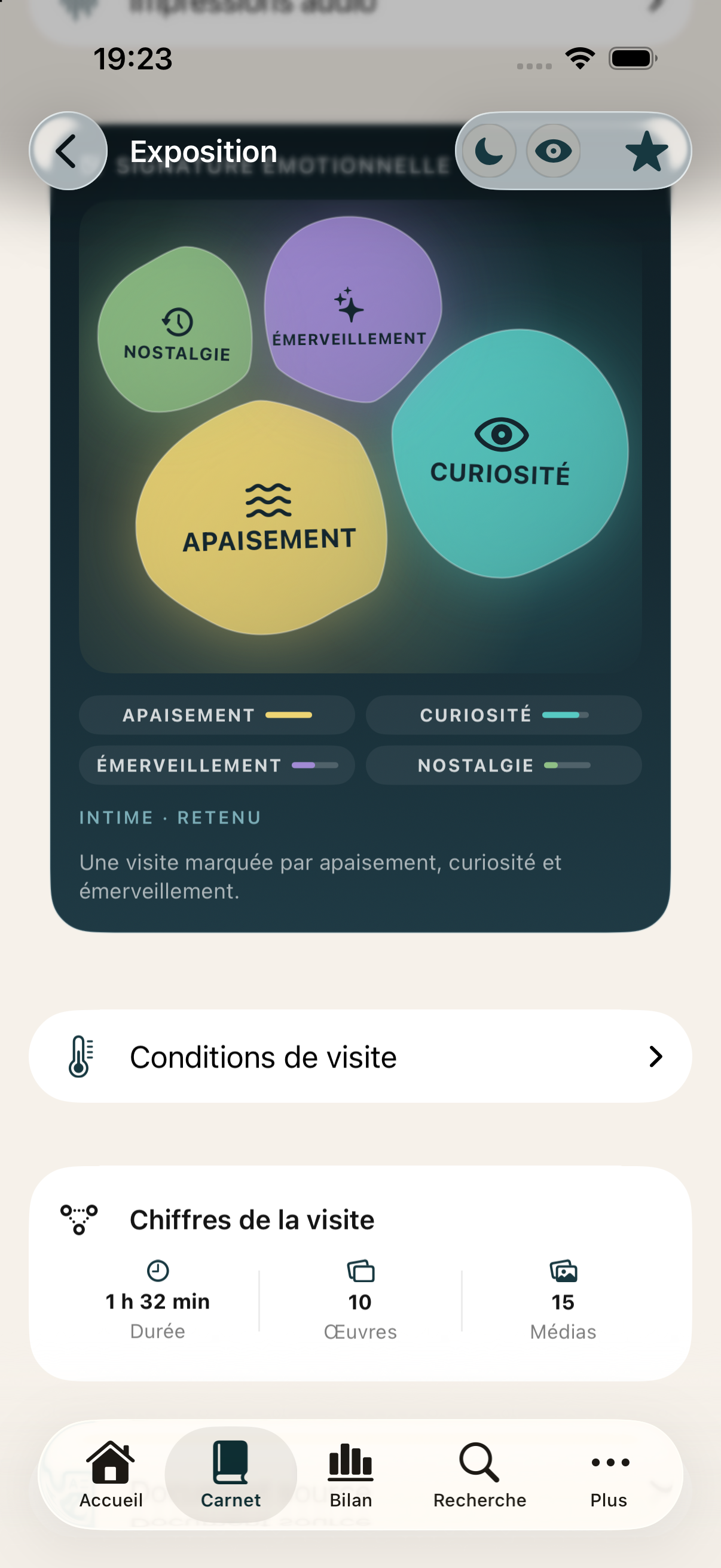
Emotional signature and visit statistics
Emotional signature and statistics, not a generated text summary.Share
Export the document
Choose the content to include, review the preview and generate the final document.
Result: a structured PDF is ready to keep or share.PDF export
Authentic P-Expo screenshots in French. Parallaxe is a built-in fictional example. Empty forms and ready-to-record audio do not demonstrate successful capture or recognition.